Video backgrounds for WordPress
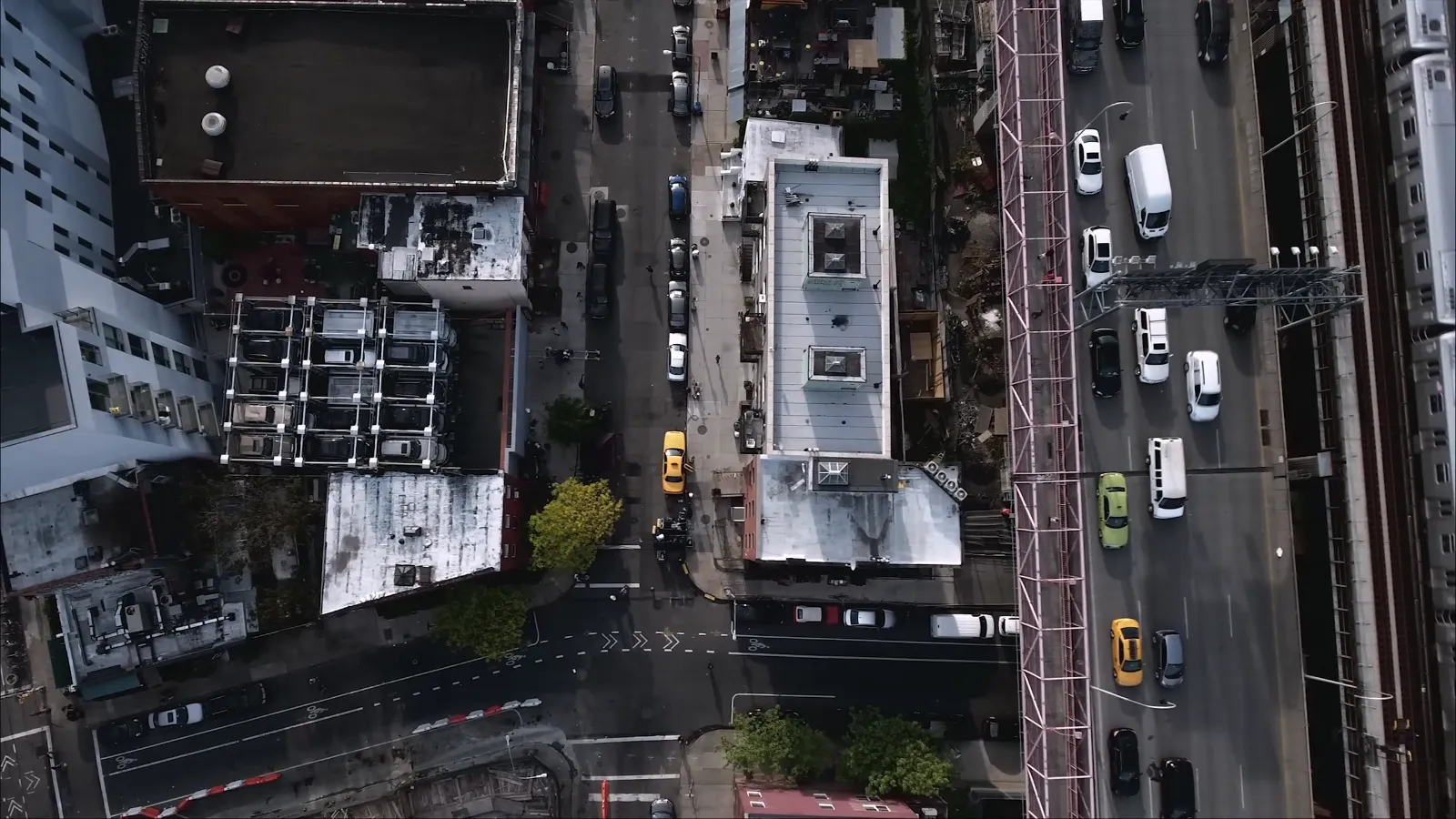
The background of this section is an MP4 from the media library, muted and looping. It is one AWB block with the video option selected.
Three ways to set a video background
The block accepts a YouTube link, a Vimeo link, or a file from the media library.
Settings
- Start and end timePlay only part of the clip. Both values are in seconds.
- Poster imageAn image shown while the video loads and on devices that do not play it.
- Play on mobileDisabled by default to save mobile data. A checkbox enables it.
- Always playBy default the video pauses when the section leaves the screen. This option keeps it playing.
- Overlay colourA colour with adjustable transparency over the video, so text on top stays readable.
- ParallaxScroll, scale and opacity effects work on video backgrounds as well as on images.
How to add a video background
- Install the pluginInstall Advanced WordPress Backgrounds from the WordPress plugin directory and activate it.
- Add the blockAdd the Advanced WordPress Backgrounds block to the page and place your content inside it.
- Choose the videoIn the block sidebar select Video, then paste a YouTube or Vimeo link or select a file from the media library.
- Set the overlayAdd an overlay colour so the text stays readable, and a poster image for devices that do not play video.
Every field is described in the video background documentation.
Questions
Does a background video play on phones?
Not by default. Phones show the poster image instead, which saves mobile data. The block has a checkbox that enables video on phones.
Why is the sound muted?
Browsers only autoplay video that is muted. A background video has to autoplay, so the sound is always off.
Will a background video slow the page down?
A YouTube or Vimeo background loads one iframe and streams at a bitrate that matches the connection. A self-hosted file is downloaded as it plays, so its size matters. Keep the clip short and use the end time setting instead of uploading a long video.
Does it work outside the block editor?
Yes. There is a shortcode for the classic editor and extended row settings for WPBakery Page Builder.
How much does it cost?
The plugin is free. It is published in the WordPress plugin directory under the GPL, and the source code is on GitHub.
Can I use the same video on several pages?
Yes. Upload it to the media library once and select it in each block.

Parallax on video and image backgrounds
The same block can move the background as the page scrolls, or make it follow the mouse cursor.